
Student Quickview
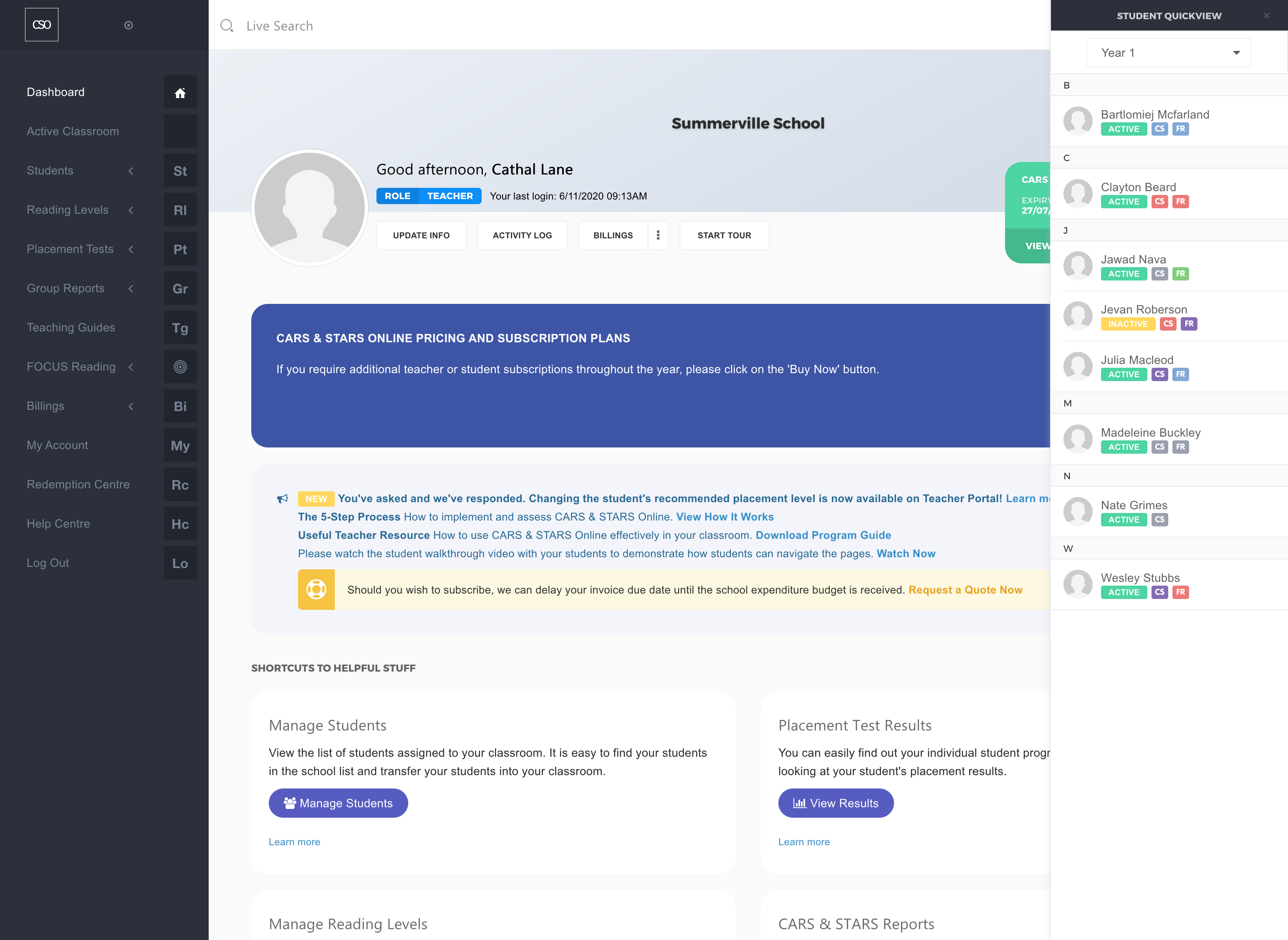
You may click on the Student Quickview button at the top-right corner of the page at any time to access real-time notifications about the student's current assessment in any selected classroom.
To go to the individual student's details page, simply click on the name of the student.
View How-to Video