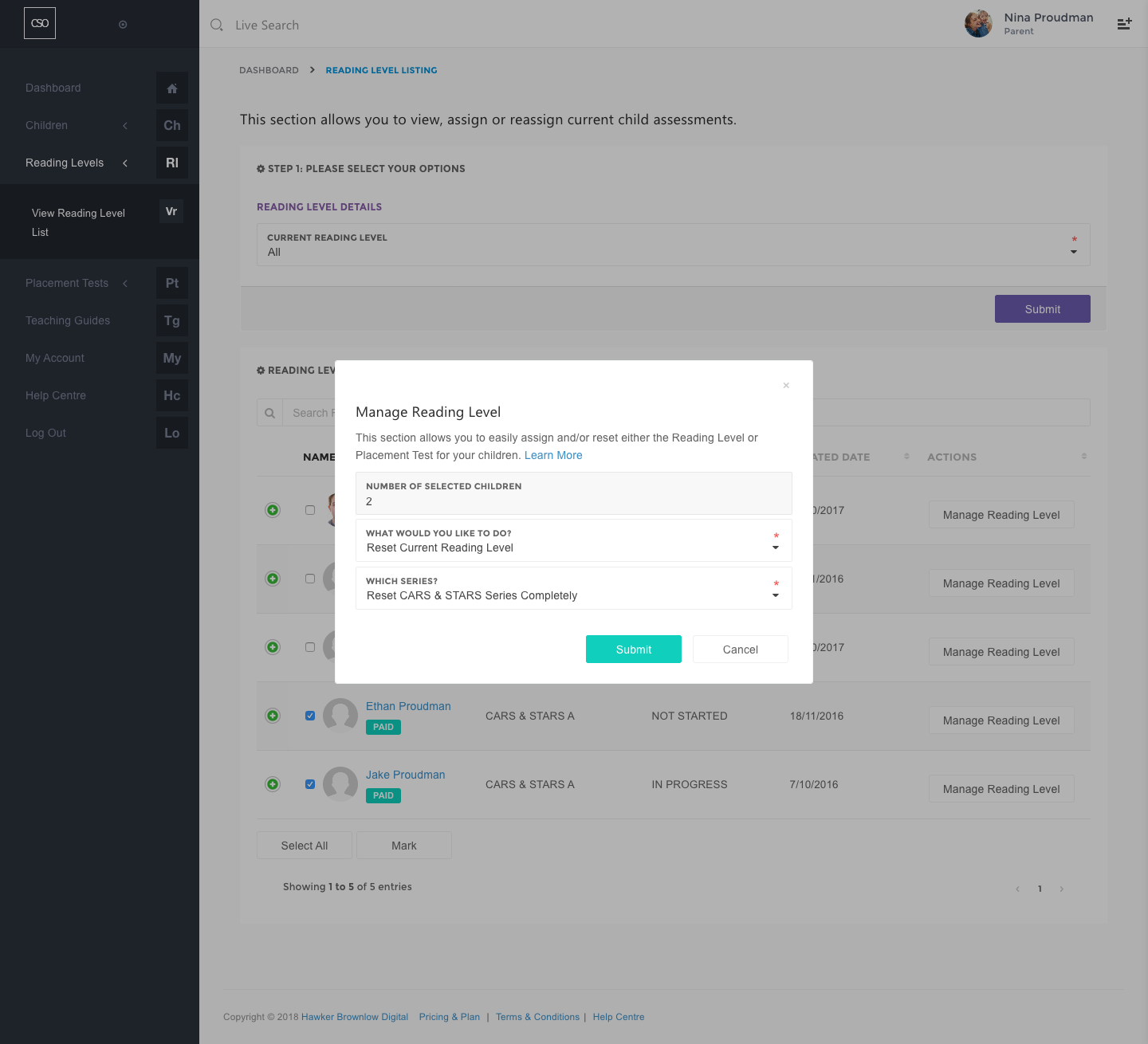
Reset the Reading Level (CARS & STARS Series)
Reset the CARS Assessment and/or STARS Reading Level
- Navigate to the main menu and click on the Reading Levels section.
- Click on the View Reading Level List link.
- Choose All option and Current Reading Level.
- Click the Submit button.
- To reset a test, select the checkbox next to a child's details or select all children by clicking the Select All button, and then click the Mark button. Please ensure that you have the correct number of children selected.
- In the What Would You Like to Do? field, choose Reset Current Reading Level if you would like to reset a test or lesson of the current reading level.
- Choose the series you would like to reset in the Which Series? field.
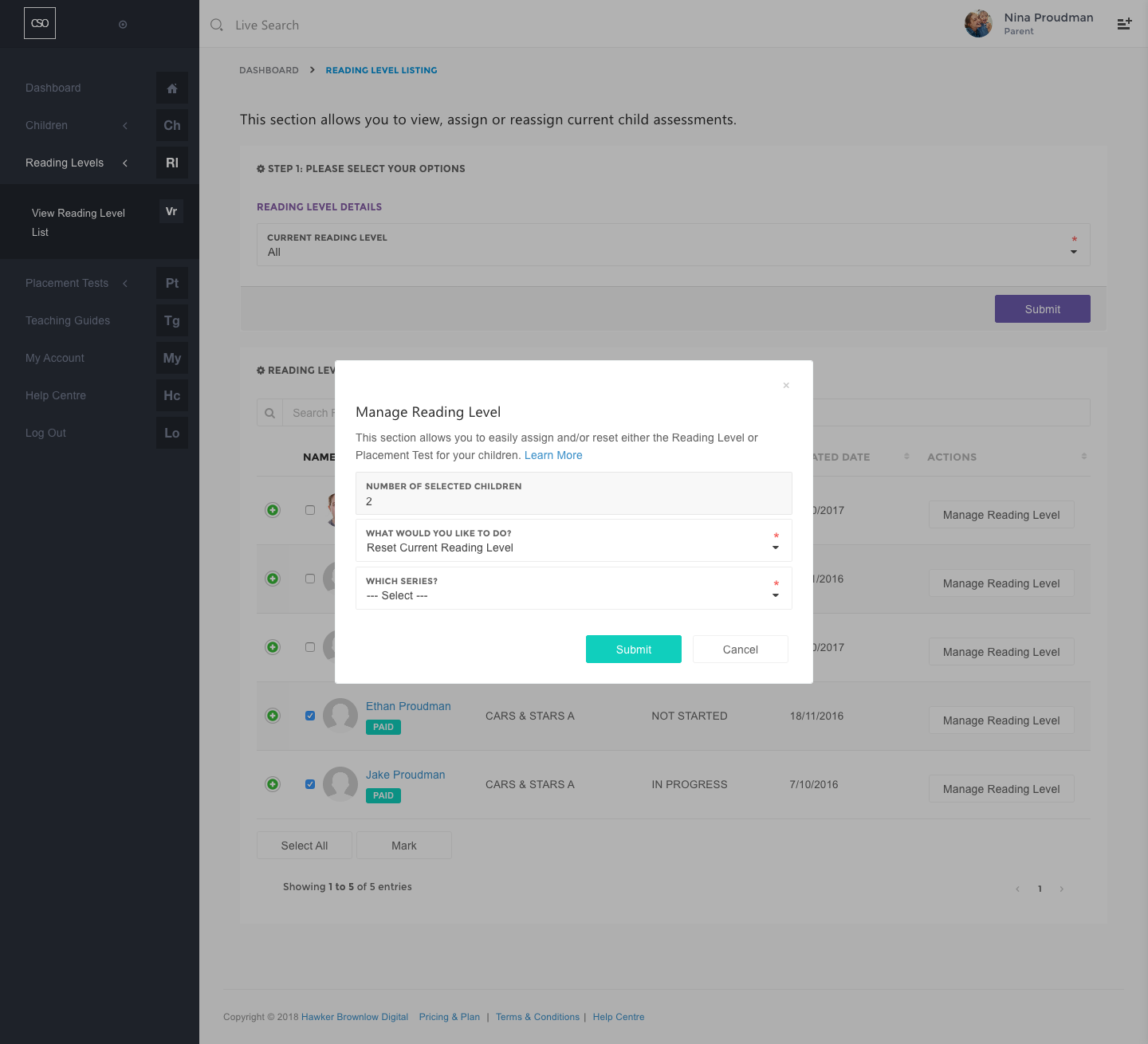
Reset CARS Series
- Reset an individual pretest or reset all pretests by choosing the Pretests 1–5 option. This applies to Benchmarks and Post Tests.
- Reset all tests found in the CARS Assessment by choosing Reset All Tests option.
- Click on the Submit button.
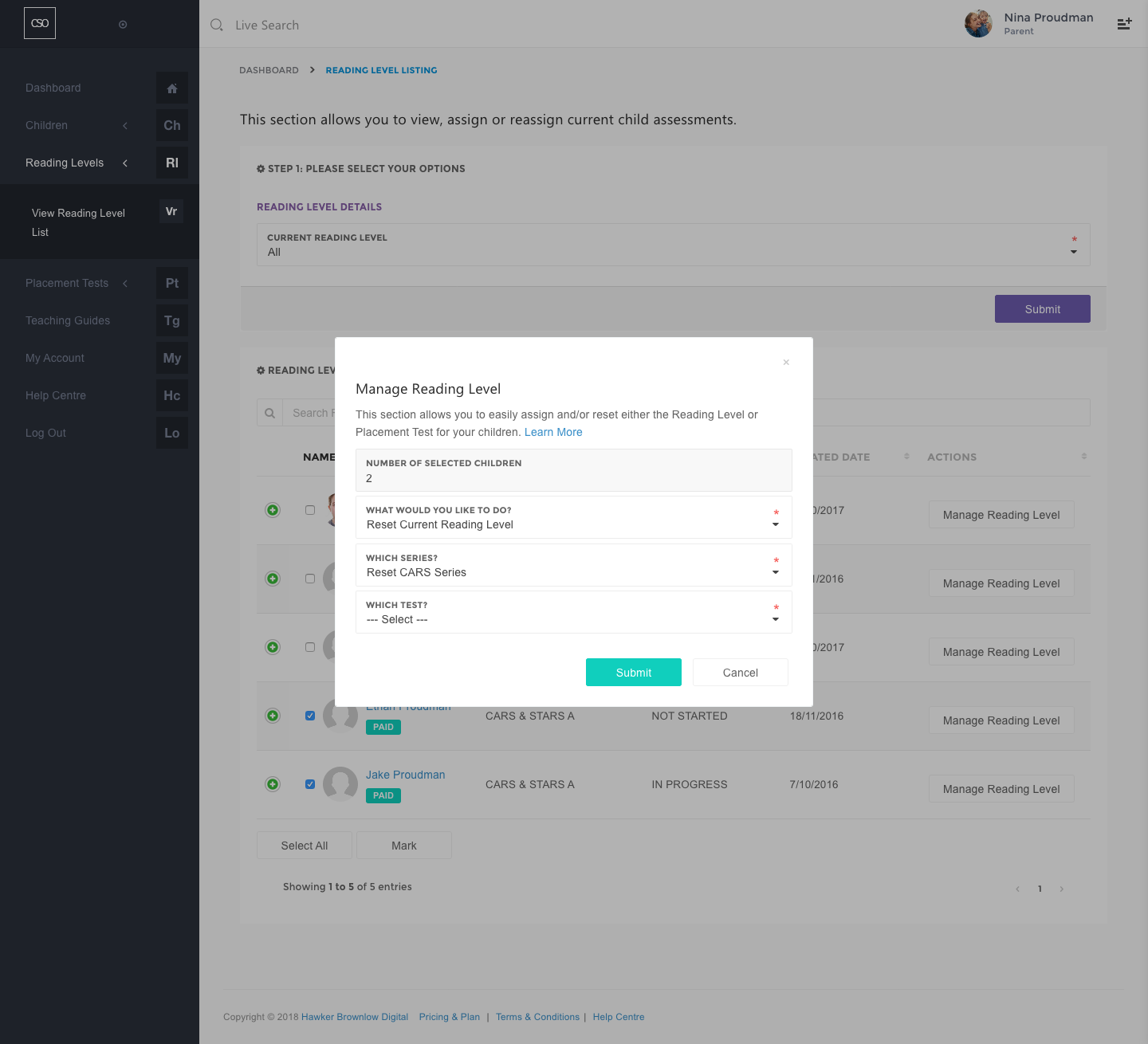
Reset STARS Series
- Reset an individual lesson, including review lessons and the final review lesson, by choosing the appropriate option in the Which Lesson? field.
- Reset all the lessons found in the STARS level by choosing the Reset All Lessons option.
- Click on the Submit button.
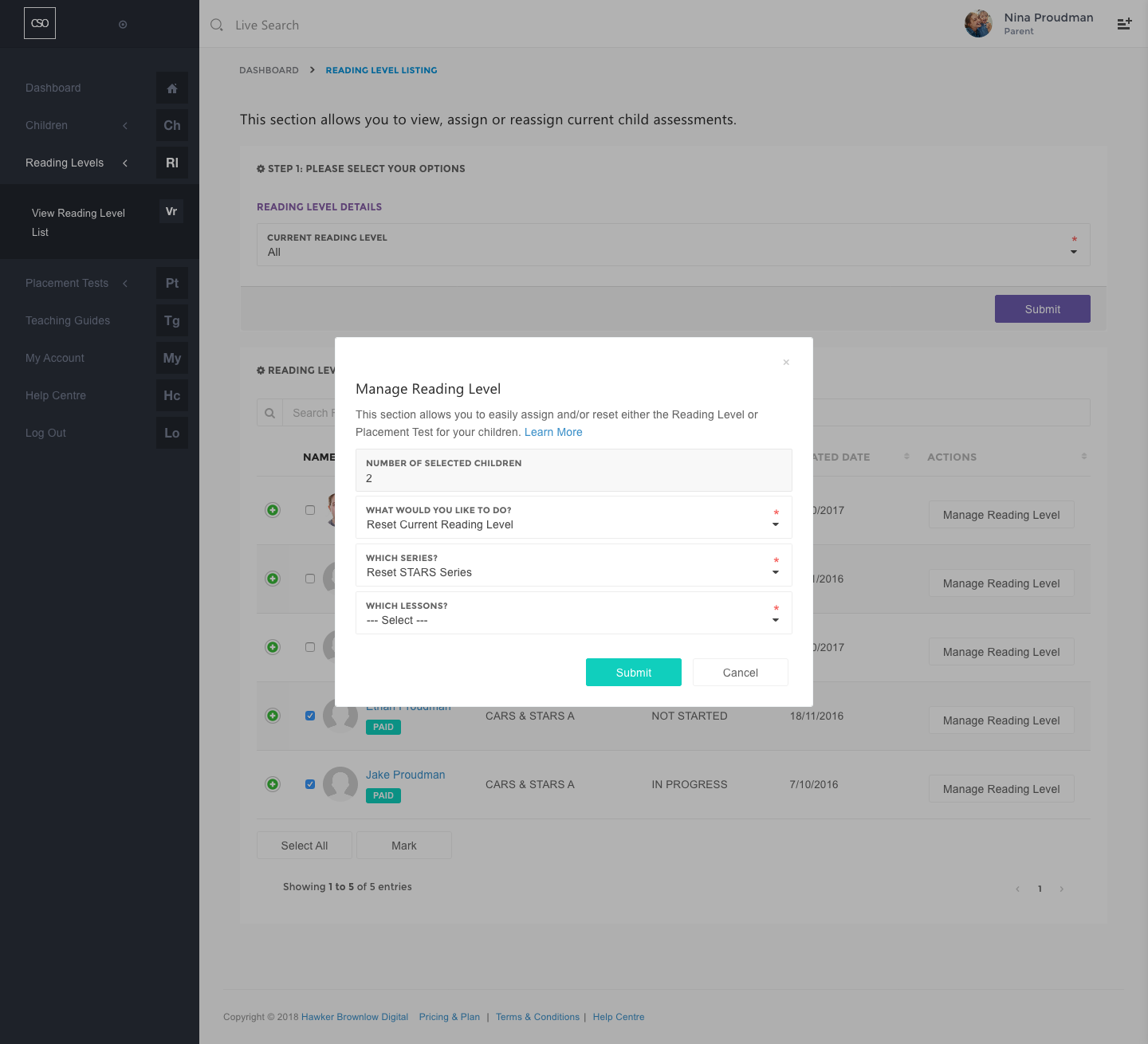
Reset both CARS & STARS
- Choose Reset CARS & STARS Series Completely option.
- Click on the Submit button.