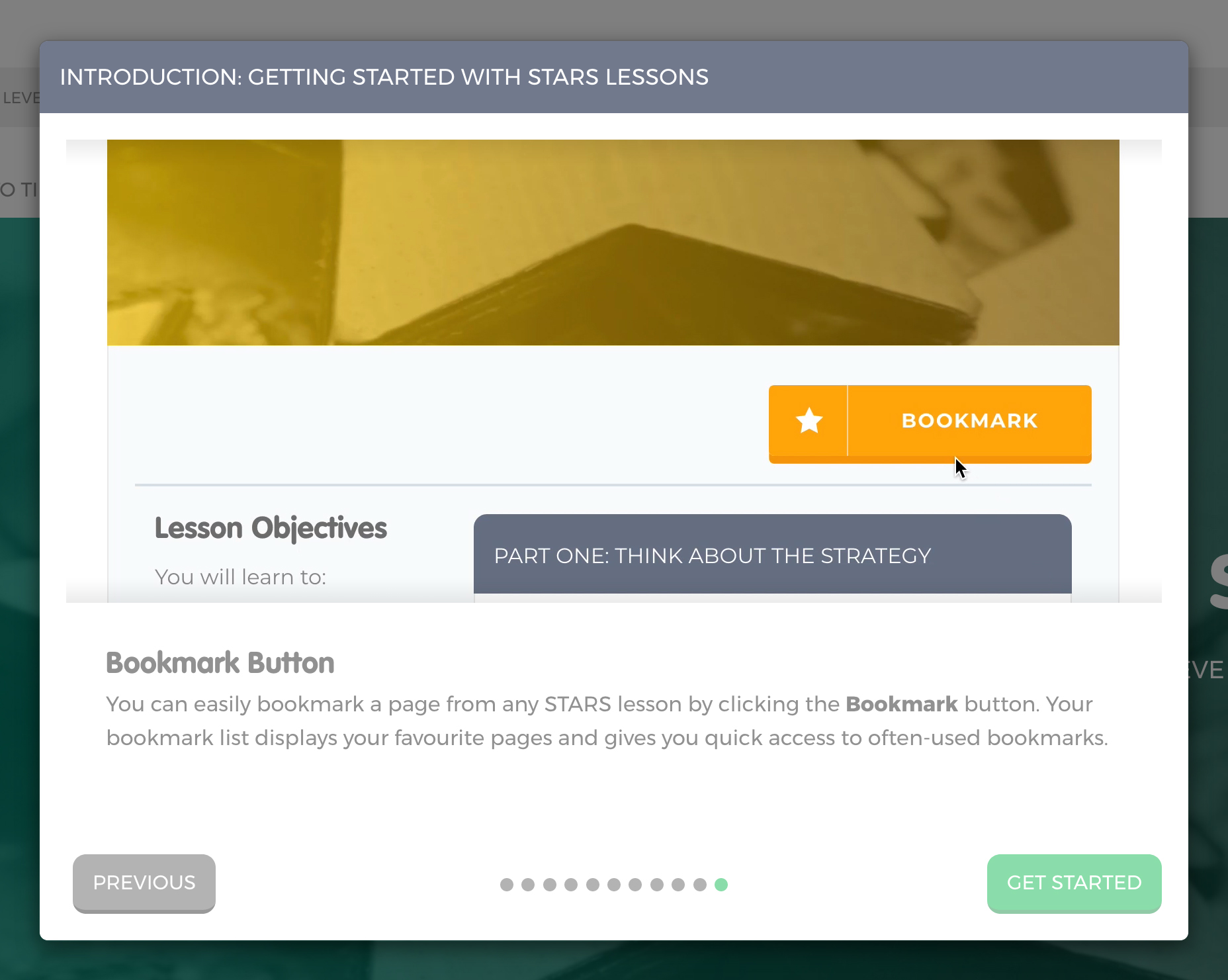
Lesson Guide Tour
This section will allow you to change your Lesson Guide Tour settings.
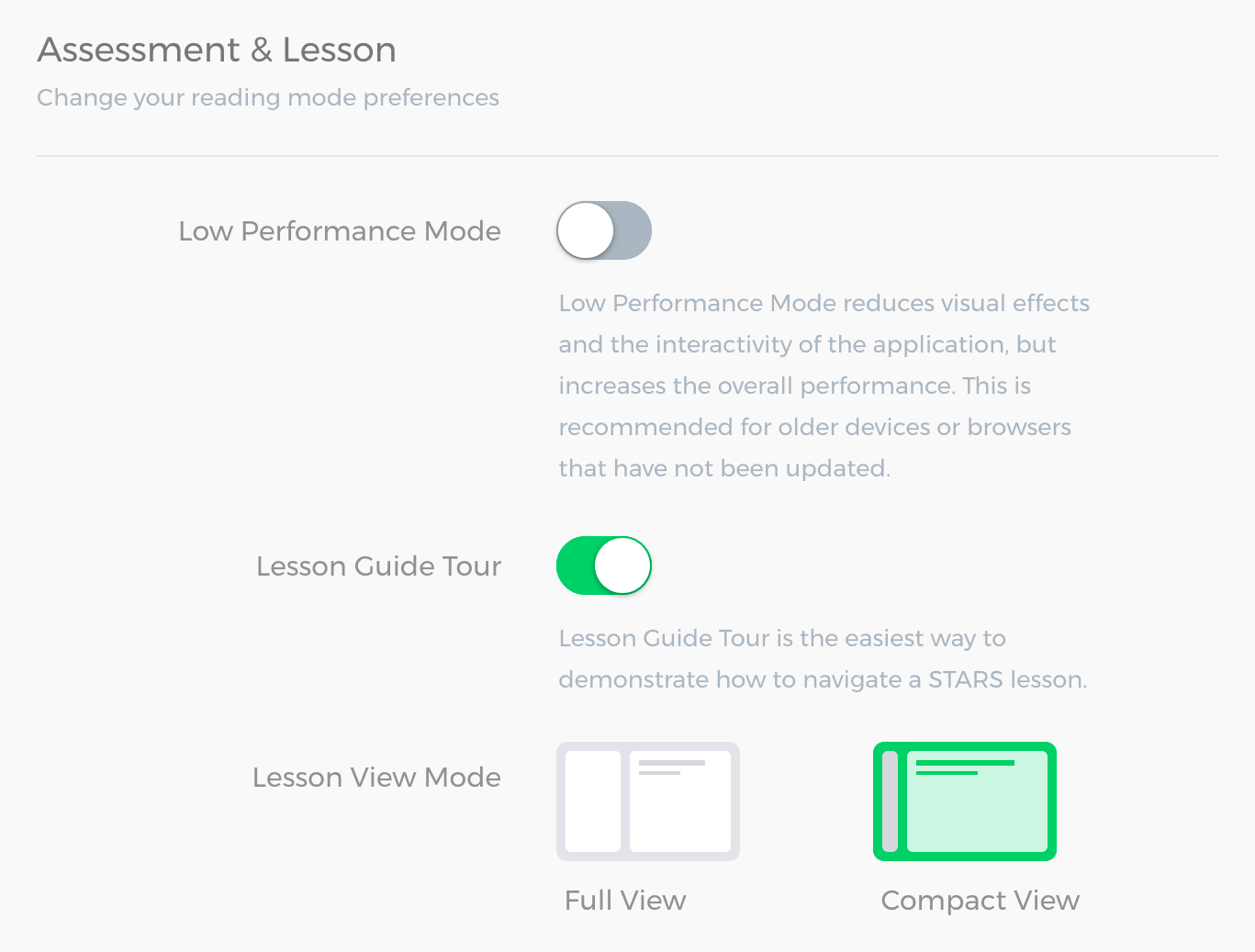
You can disable and enable the tour on the Table of Contents page by setting the switch to on or off.
Once you click on the Get Started button you will not see the Tour if you have clicked here. If you'd like to see it again, turn on the Lesson Guide Tour option and click the Save button on My Account page.