
Disable the FOCUS Reading Lesson Reset function
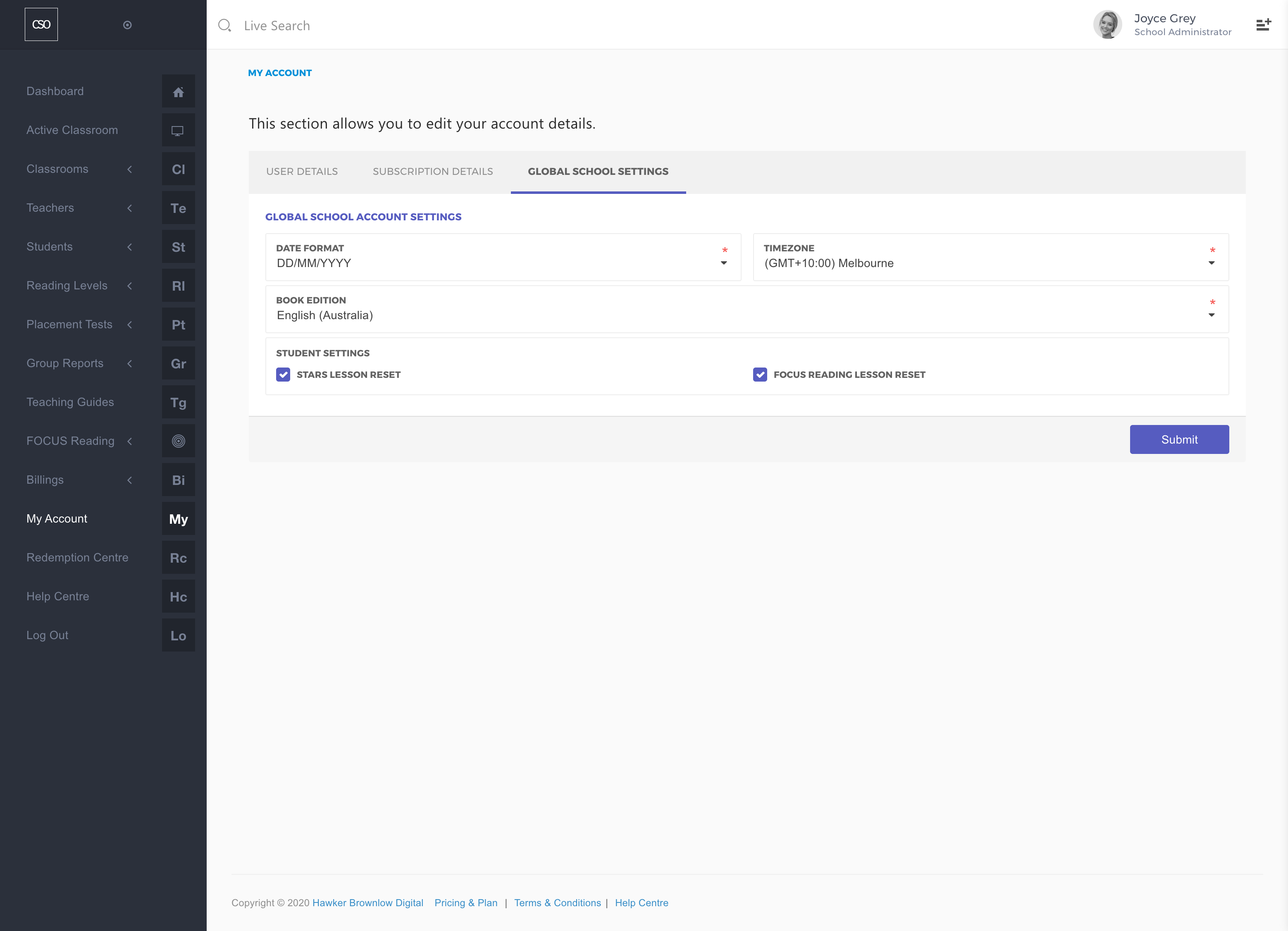
Teachers with School Administrator access rights can disable the reset function by following the step-by-step instructions provided below.
- Navigate to the main menu and click on the My Account link.
- Click on the Global School Settings tab.
- Uncheck the Lesson Reset options for either STARS or FOCUS Reading under the Student Settings section.
- Click on the Submit button.