Resend My Teacher Login Details
If your teachers have not received their login details. You, as School Administrator, can ask your teachers to reset their password with the following details
- Click on the forgot password link(http://app.carsandstars.com.au#forgotpwd) and enter the email address associated with your teacher account and we'll send you instructions on how to reset your password.
You can also resend your teacher login details.
- Navigate to the main menu and click on the Teachers section.
- Click on the View Teacher List
- Choose the Account Type and Status and click on the Submit button.
- Locate your teacher details in the teacher list.
- On the Actions list, choose Edit Teacher.
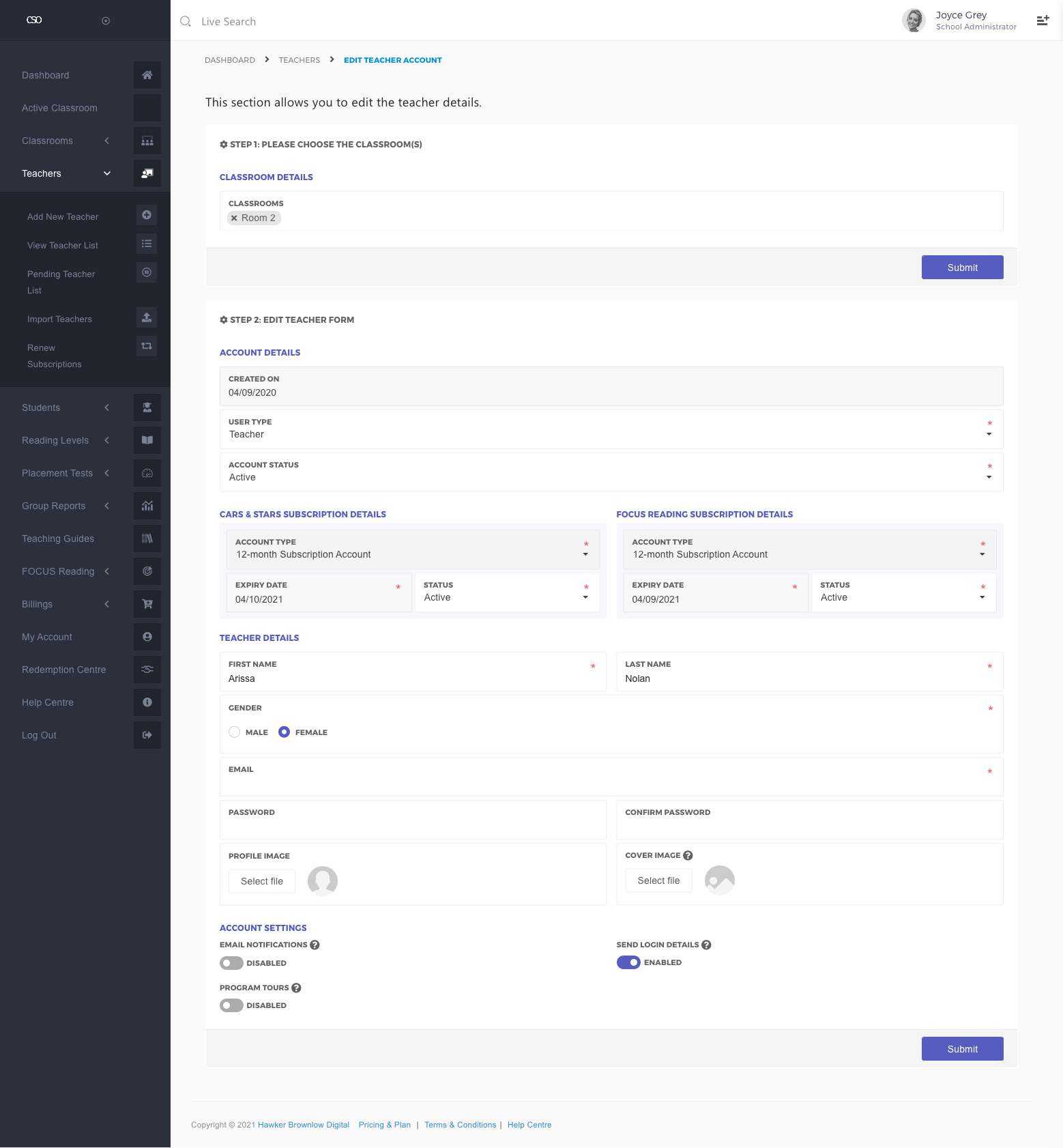
- Once you have redirected to the Edit Teacher Account page, you may enable Send Login Details switch to send your teacher login details
- Click on the Submit button.