How does my student or child log in?

For Student/Child Account
- Make sure no one else is logged into CSO on your computer.
- To log someone else out, click at the top right of username and select Logout from the Menu.
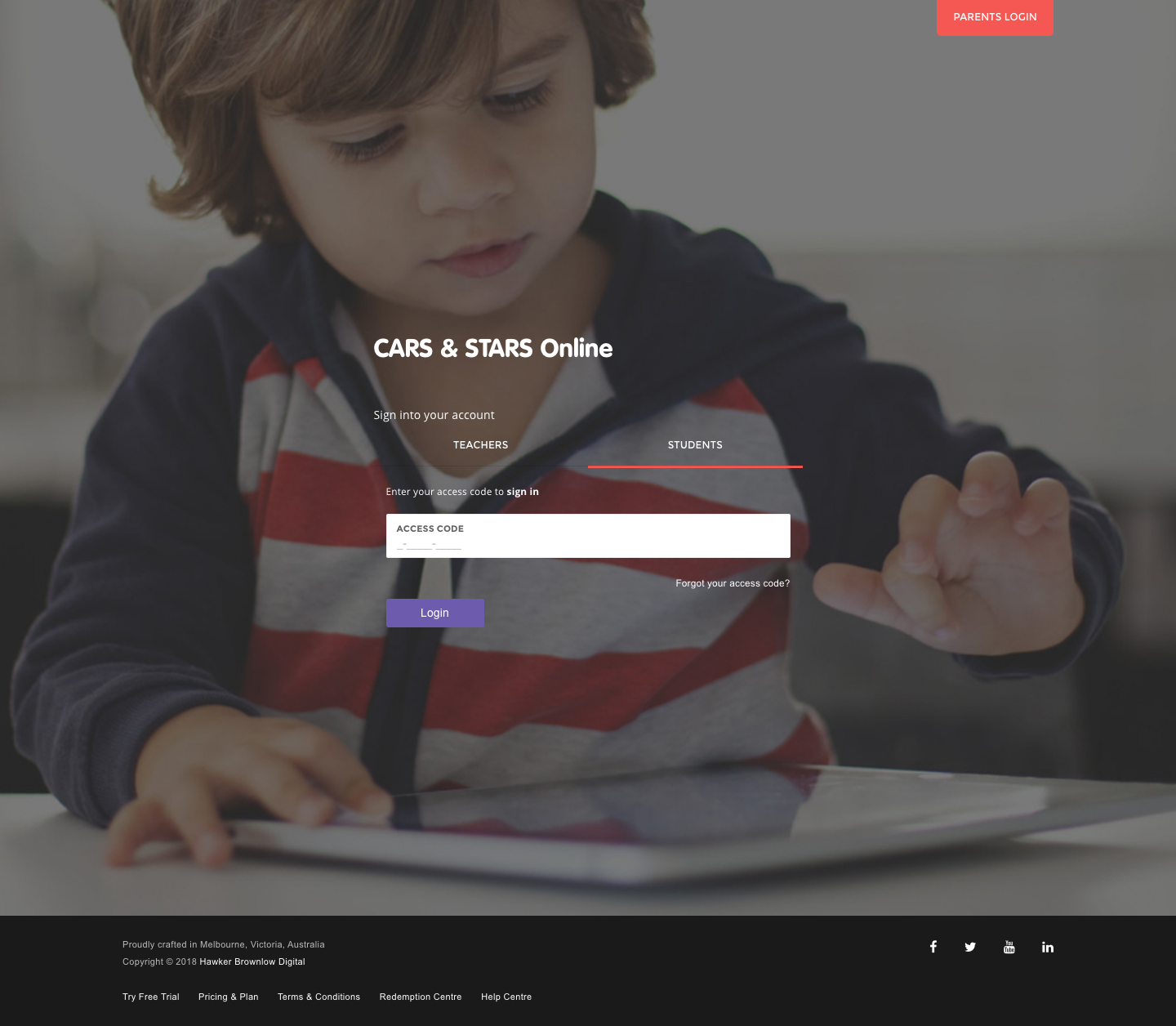
- Go to the top of http://app.carsandstars.com.au/#student and enter the following:
- Access code: Both student and child account have to login using the Access Code. You see the access codes of students or children can that are currently listed on your CSO student/child account. For student enrolled in a school, if you have a CSO account and you have forgotten your access code, please refer to your CSO student access card. Alternatively, let your teacher know and they will print out a CSO student access card for you. For students that are home schooling, please let your parent or home tutor know.
- Click Login.
Online Resources (Student Access Cards)
To allow your students to easily access the system your school administrator will have to download and print out the student access card for your students. Once you have printed out the student access card, please cut and paste it onto the student’s book.
You may also wish to print out the letter to parents advising them that their children are currently using CARS & STARS Online.
Resources can be downloaded as an individual class or for a whole school by following the steps below.
- Navigate to the main menu, and click on the Classrooms section.
- Click on View Classroom List.
Download resources for the whole school
- Click on the Download Whole-School Resources button.
- Click on the resource that you would like to download. For example, school list, parent letters and access cards.
Download resources for individual classes
- Choose a classroom row and, under the Action column, click on the resource that you would like to download. For example, class list, parent letters and access cards.
Please note: Only a teacher with 'School Administrator' role will be able to download the Student Access Card.
Please sign in to leave a comment.
Comments
0 comments