How do I disable the reset function found in the Student STARS Lessons?

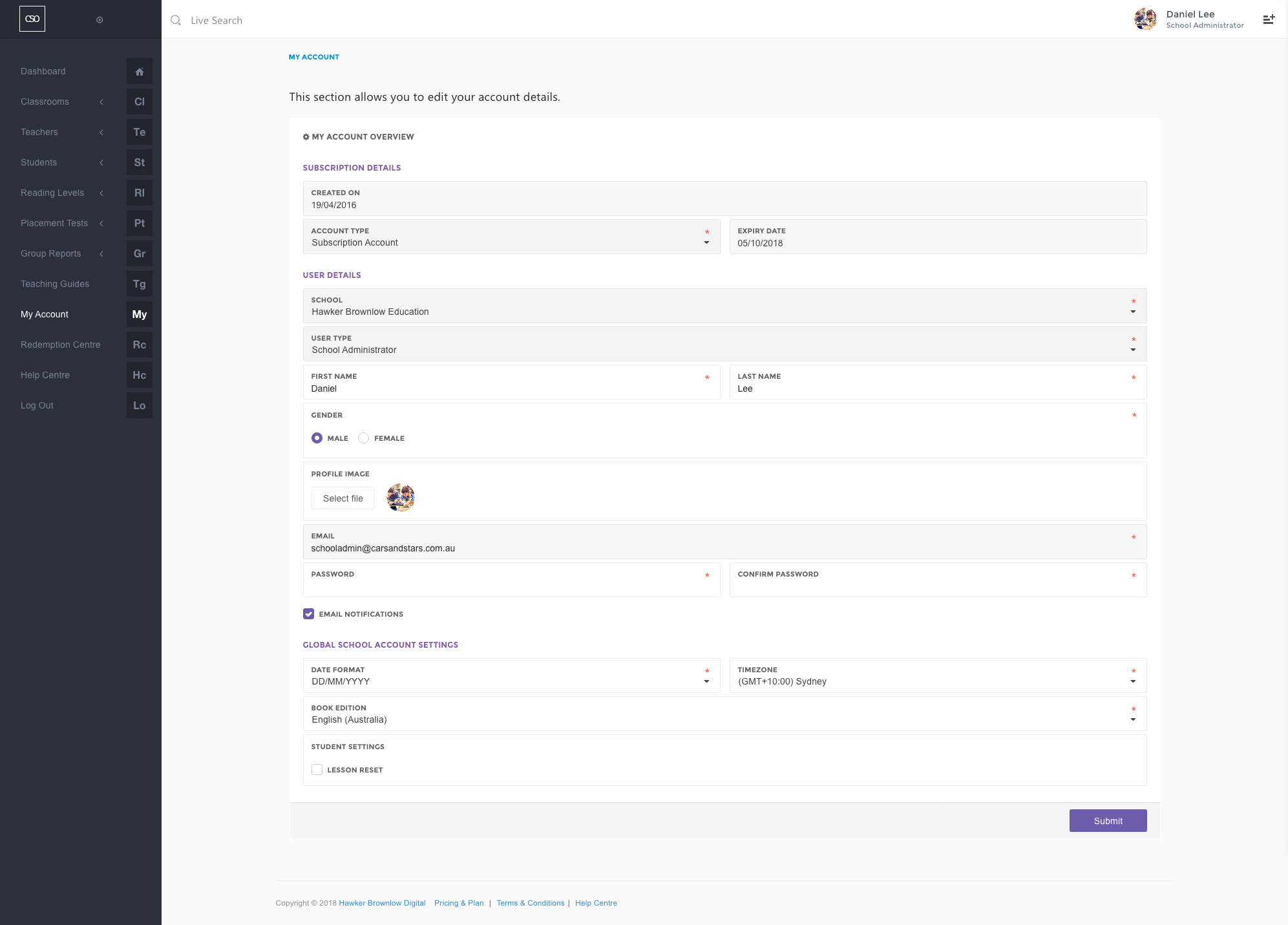
Teacher with 'School Administrator' access rights/role would be able to disable the reset function by following the step-by-step instruction provided below
- Navigate to the main menu and click on the My Account link.
- Scroll down the My Account page.
- Uncheck Lesson Reset option found in the Student Settings section.
- Click on the Submit button.
0
Please sign in to leave a comment.
Comments
0 comments